Dramatica MCP is now live for subscribers!
You can now connect Dramatica to ChatGPT (and other MCP-compatible AI clients) to work with your Storyform and Storytelling in your preferred interface.
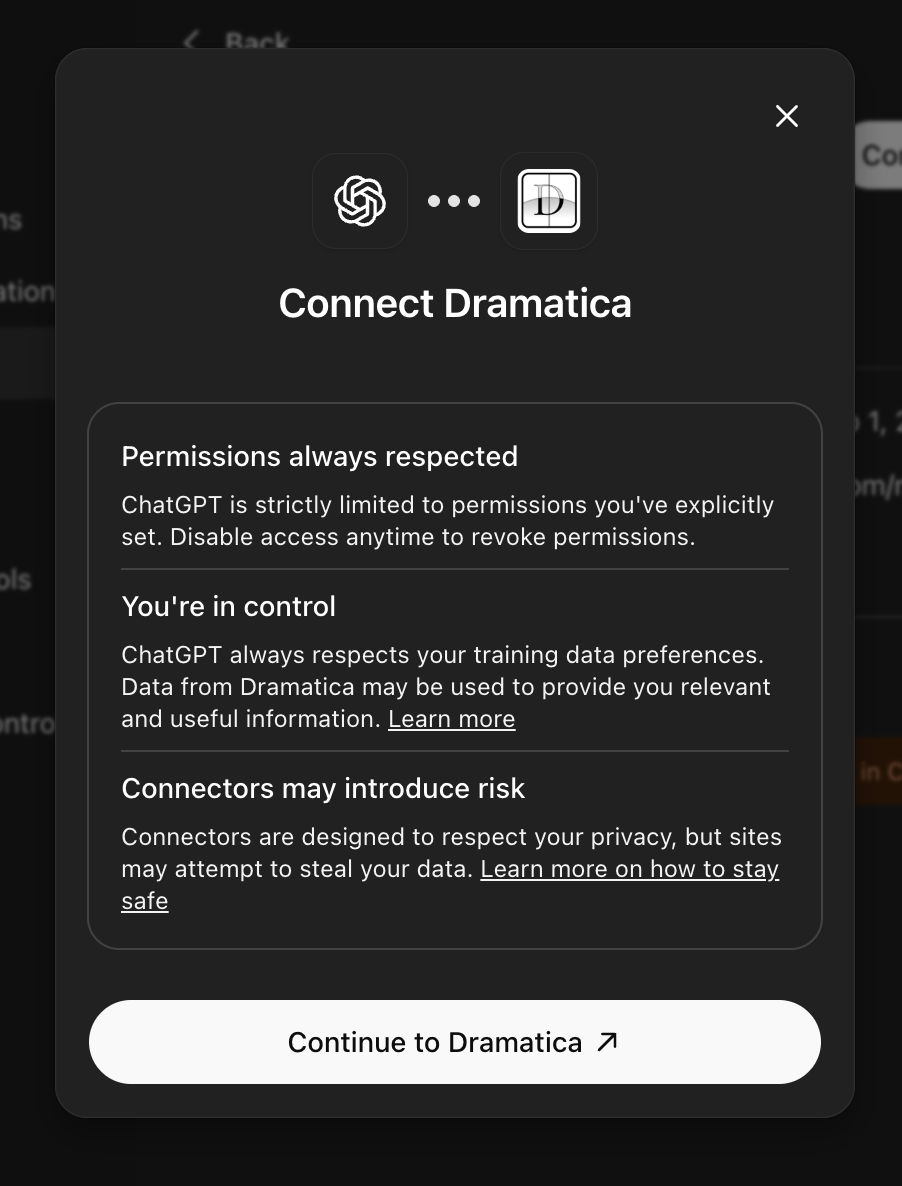
What it’s like
Once hooked up, you can access Dramatica directly from within your favorite AI app:

and then work on stories within your Dramatica account:

When you return to Dramatica, you’ll find your work saved away in just the right component for further development:
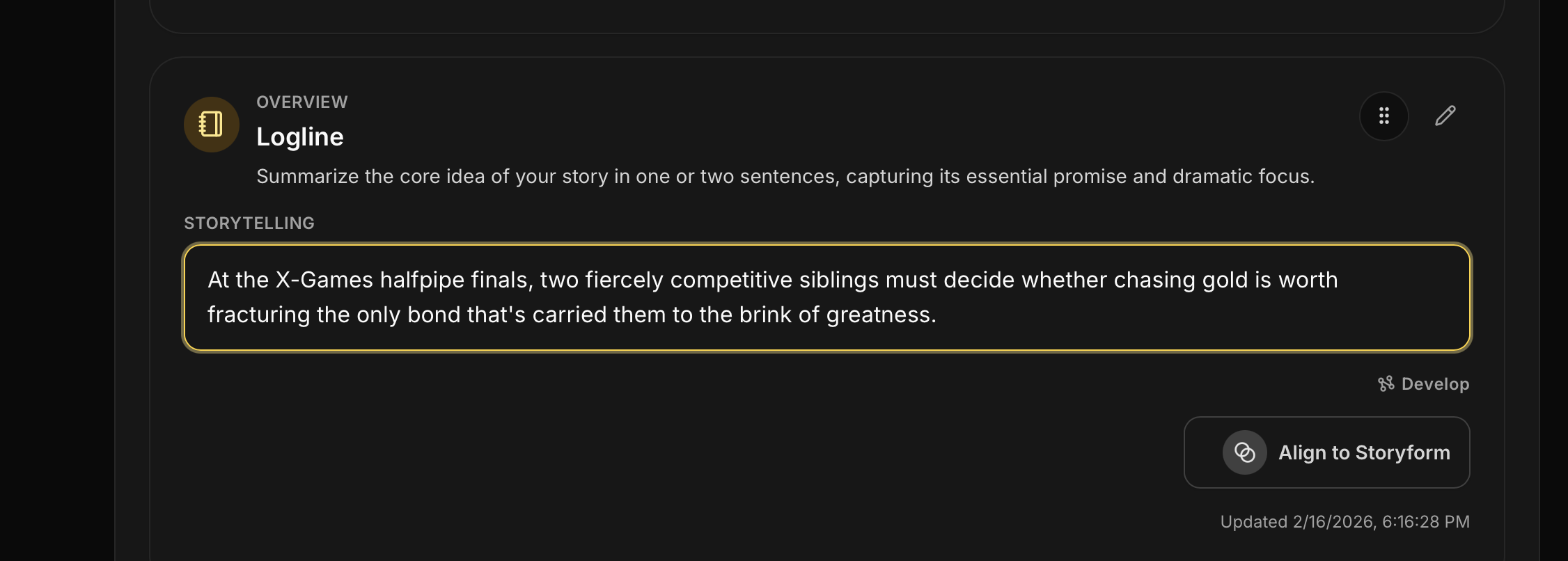
This is all about giving you more options and more access to Dramatica theory wherever you prefer to do your work.
What’s available now
- Connect Dramatica via OAuth
- Access your own Stories and Storyforms
- Read and update Storytelling fields (including Overviews like Logline)
- Use Dramatica context directly inside external AI conversations
And we plan to add more features and tools in the future.

Access requirements
- Active Dramatica subscription required
- OAuth connection required
- Appropriate MCP scopes required for read/write actions
Data controls reminder
If you connect through third-party AI clients, that client’s data/training settings apply to those conversations based on your plan/workspace configuration.

Working directly in Dramatica.com uses Dramatica’s own Training and Data Controls settings.
Setup guide
Full setup and policy details are here:
Docs → Resources → Connect ChatGPT (MCP)
If you want help getting connected, reply here with your client (ChatGPT, etc.) and we’ll point you to the fastest path.