Over the weekend, I tried a test with the new Narrova and was completely blown away by what it was able to do in a very short amount of time (less than 2 hours).
To show you the entire process (because everyone is alway asking, “Well, what do I get out of this?!”), I went ahead and created an interactive walkthrough of the entire process, which you can find here:
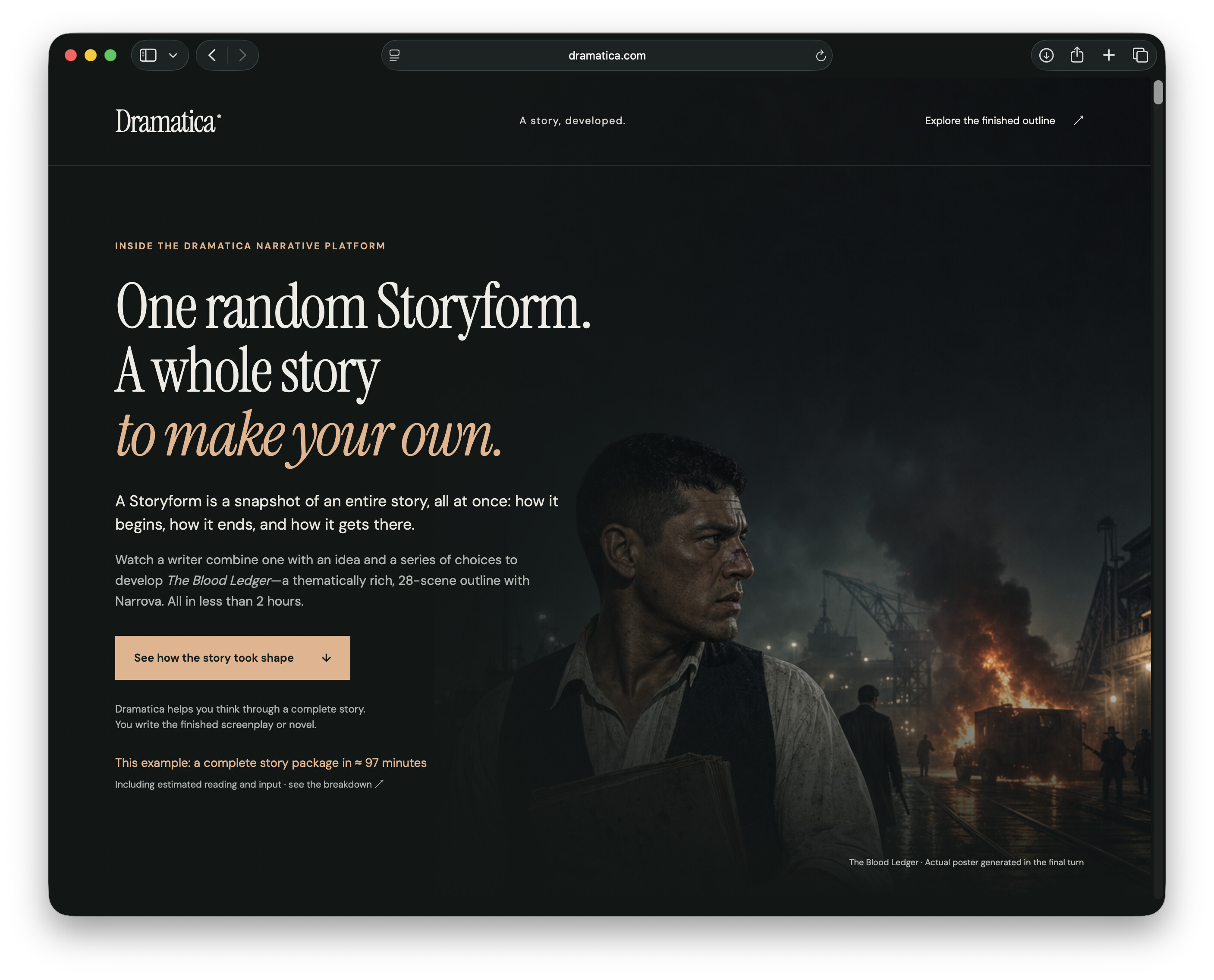
In short, I:
- picked a random Storyform using the Storyform Builder
- set a time period, and basic genre
- researched subject matter for the time period
- picked Four Throughlines
- developed the Storyform into 28 Moments
- had Narrova generate and place Players throughout all 28 Moments
This is the first time I did this kind of thing from start-to-finish and didn’t run into any kind of errors. As GPT-6 explained, I am a “experienced operator” so I knew what to ask - but you can do the same just by following the 8 steps listed in the walkthrough above.
The weaving of the story material is what really sold me, check this out:

Experienced Dramatica users will likely pick up what is going on here - but Narrova picked scenes throughout the four Acts where the different Throughlines would weave themselves into the completed story.
This view is too sexy not to incorporate in an update of Subtxt on the platform, so expect it to see it for your story in the near future.
I’ll do a video walkthrough of this soon, as well be generating other author “journeys” through the product. But until then, if you want to read the entire outline (one “deliverable” from Dramatica) then by all means, visit the link above. The entire transcript of my conversation with Narrova is also there for you to read.
Let me know if you have any questions!